
Do more and earn
more at Walmart
From cash back rewards1 to flexible payments,2 OnePay™ helps you win at Walmart.
Turn everyday shopping into earning cash back, whether you’re using debit or credit. Pay with a digital wallet that lets you earn rewards. 3 Get what you want now and pay for it over time. 2 This is how OnePay helps you win at Walmart.
So many ways to earn and pay

Unlimited cash back credit card




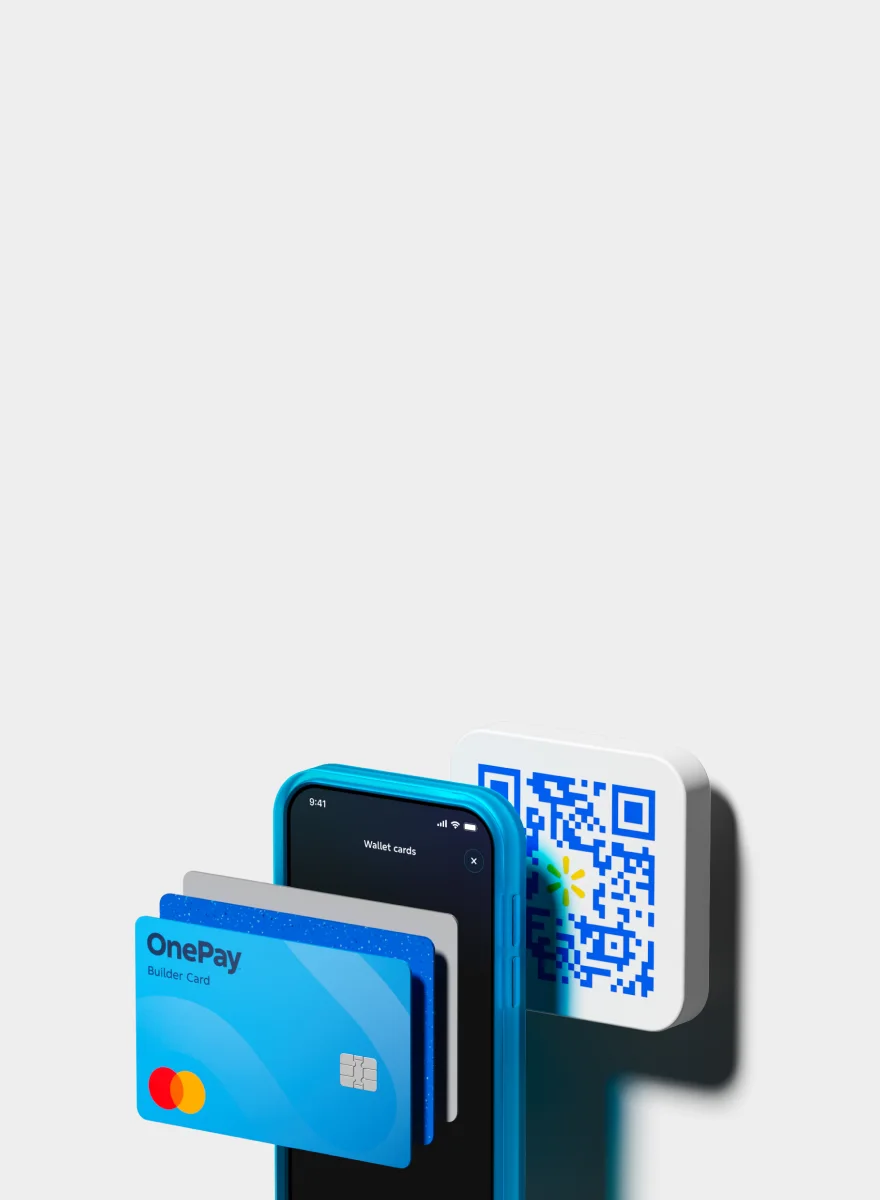
Contactless
payment


Add or take out
cash at Walmart
- Fee-free depositsUse your OnePay debit or Builder Card or app to deposit cash, fee-free, at any Walmart Money Center or Customer Service desk.
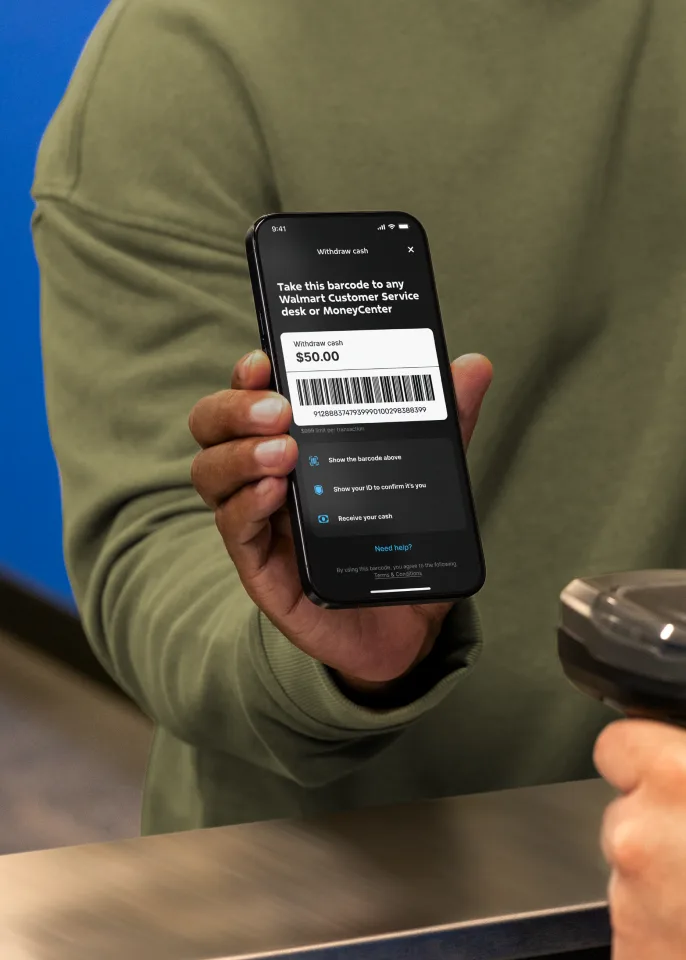
- Free cardless withdrawalsTake out cash using a barcode at any Walmart Money Center or Customer Service desk for free.
Skip the Money Center line and save time when you bank through OnePay

01
Send money abroad from your phone
You deserve a fast and convenient way to send money to friends and family abroad without having to wait in line. Send money to Mexico, India, and 140+ other countries with Global Transfers, powered by MoneyGram.

02
Deposit checks for free in the app
Deposit checks to your OnePay account right from your phone — no trip to the Money Center or a bank needed. Available with eligible deposits.6

03
Pay bills from your phone
With Bill Pay, you can pay your bills at home or on the go. It’s easy, and it’s all in the OnePay app. Select from thousands of providers or add your own. You can send your payment right away, or schedule it in advance.

Join the millions of
customers banking
through OnePay
OnePay™ is a financial technology company, not a bank.
Banking services provided by Coastal Community Bank or Lead Bank, Members FDIC.
Discover more
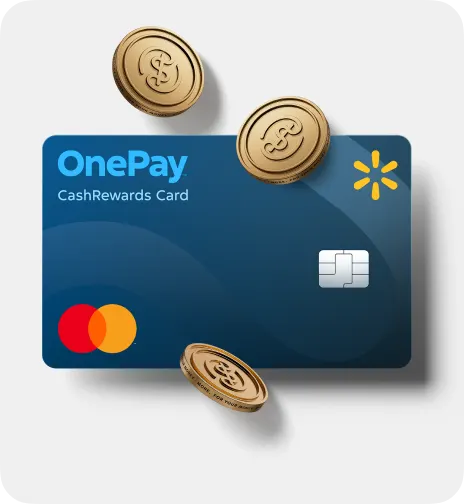

A credit card with cash back you can count on.
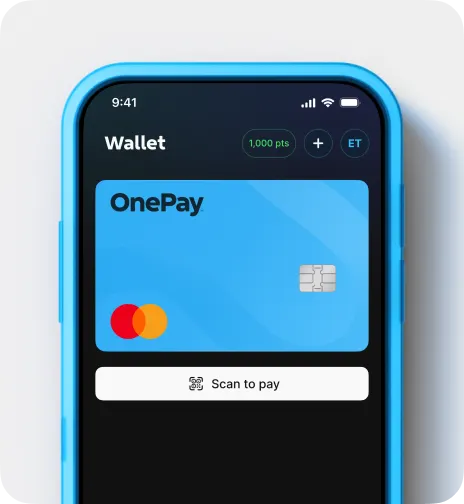
The digital wallet that offers rewards at Walmart.
About OnePay and Walmart
OnePay is a financial technology company backed by Walmart, designed to help people manage their money, build credit, and access financial tools. While OnePay offers benefits that are integrated with the Walmart ecosystem—including products available through Walmart stores and Walmart.com—it isn't limited to Walmart customers.
No, OnePay is not a bank. It is a financial technology company that offers financial products and services through the OnePay app, including banking through OnePay, debit card access, Wallet, Credit Score, Credit Builder, invest and crypto, rewards, and other money management features.
Yes. Approved deposit accounts are FDIC insured up to $250,000 per depositor through pass-through insurance at Coastal Community Bank or Lead Bank, Members FDIC, and, as applicable, their Sweep Partner Banks, if certain conditions have been met. FDIC insurance applies to the failure of an FDIC-insured bank, not OnePay.
Credit Products
With the OnePay CashRewards Card, Walmart+ members earn 5% back at Walmart. Non-members earn 3% back at Walmart. You’ll also earn 1.5% back everywhere else Mastercard is accepted. Rewards are awarded as OnePay Points, which you can redeem for cash back into your OnePay deposit account or other available options.
The OnePay Credit Card program includes two card types, each with its own benefits:
CashRewards Card
Can be used anywhere Mastercard is accepted
Offers cash back rewards in the form of OnePay Points:
5% back at Walmart with a linked Walmart+ membership1
3% back at Walmart without a linked Walmart+ membership1
1.5% back everywhere else Mastercard is accepted
Points can be redeemed for cash back to a OnePay deposit account or other available options
Walmart Spend Card
Can only be used at Walmart (in-store and online)
Does not include a rewards program
All cards are issued by Synchrony Bank, and are subject to credit approval. For more information on cash back rewards, see the OnePay Rewards Terms.
The OnePay Credit Card program includes two card types. When you apply for a card, based on your application and Synchrony’s review, you may be approved for either the CashRewards Card or the Walmart Spend Card. You won’t be able to choose between them.
Cash at Walmart (Deposits and Withdrawals)
It depends.
You can deposit cash fee-free into your OnePay account at any Walmart in the United States, as well as CVS, Dollar General, and other participating locations. Tap Cash Control from the Home screen of your OnePay app, then select Deposit Cash to see participating retailers.
To learn about withdrawing cash from your OnePay account, check out our support article on Getting Cash.
When it comes to withdrawing cash, you are able to withdraw cash from your OnePay deposit account in the following ways:
At any US Walmart location using your OnePay debit card at a Walmart cashier, Money Center, or Customer Service desk. You can also withdraw cash at Walmart by generating a barcode in your OnePay app.
At most ATM locations using your OnePay debit or Builder Card. ATM withdrawals are fee-free at 55,000+ Allpoint ATMs nationwide for customers who Bank through OnePay; otherwise, a $3 OnePay Cash Out fee will apply at ATMs outside of the Allpoint network. Customers may still incur fees charged by the ATM operator.
At participating merchants when you make a purchase with your OnePay debit or Builder Card at the register and select withdraw cash.
To withdraw cash:
Take your OnePay debit card to any Walmart cashier, Money Center, or Customer Service desk
The Associate will ask you to insert your OnePay debit card and enter your PIN
Confirm the amount you are withdrawing on the PIN pad
Once the transaction has been completed, your funds will immediately be withdrawn from your OnePay Checking balance
This service is not available at Sam’s Club or international Walmart locations.
Open Cash Control in the OnePay app
Choose Withdraw Cash
Enter the amount you wish to withdraw
A barcode will be generated that you will take to a Walmart Money Center or Customer Service Associate
The Walmart Associate will scan your barcode and verify your identity*
Once approved, you will receive the requested cash for your withdrawal along with a receipt
You can also tap here in the OnePay app and then follow the steps above to withdraw cash.
This service is not available at Sam’s Club or international Walmart locations.
*You will need to verify your identity using an accepted form of government-issued ID, such as a state ID, driver’s license, military ID, OR a social security card along with a US government-issued picture ID or U.S. passport.