
The digital wallet
that offers rewards
at Walmart
It’s easy to pay at Walmart from your phone with OnePay™ Wallet. Just sign up, add your go-to debit or credit cards, and earn OnePay Points when you shop in-store or at Walmart.com. You can redeem your points for cash back with a OnePay Cash account. 1
Ways that Wallet pays off
Pay quickly and easily
No more digging around for your credit card. OnePay keeps it all organized for you.

Built with your security in mind
Enjoy the freedom of digital payments, with security built in.

Get in, get out, get points
Your digital wallet works in any checkout line, so find the shortest line, check out, and earn 1 point per $10 spent.



How it works
Step 1
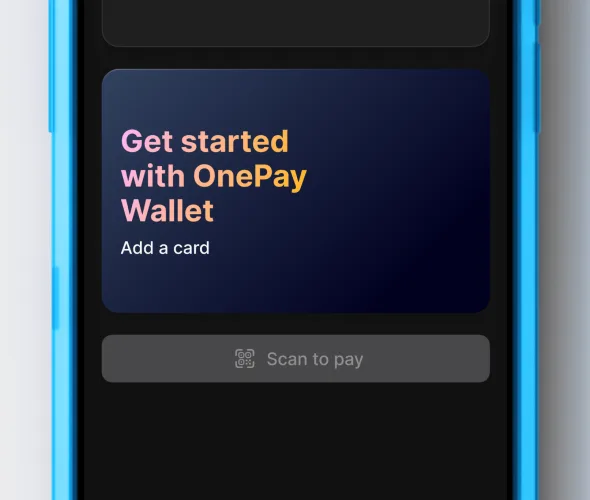
Add your cards
Link up to 20 credit or debit cards. Already a OnePay customer? Your OnePay cards will be automatically added and ready to go.

Step 2
Check out at Walmart
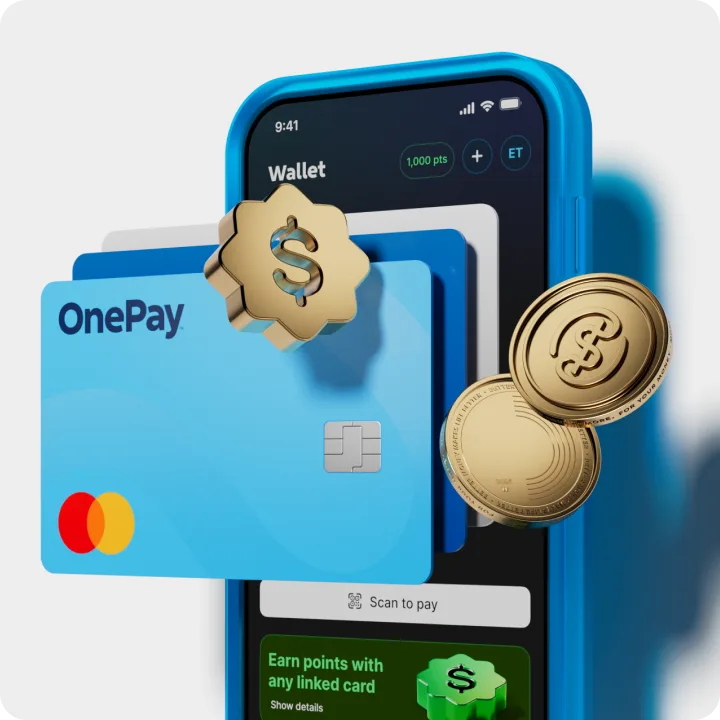
Add Wallet as a payment method in your Walmart account to use it online or scan the QR code in your OnePay app to use it in store.
Step 3
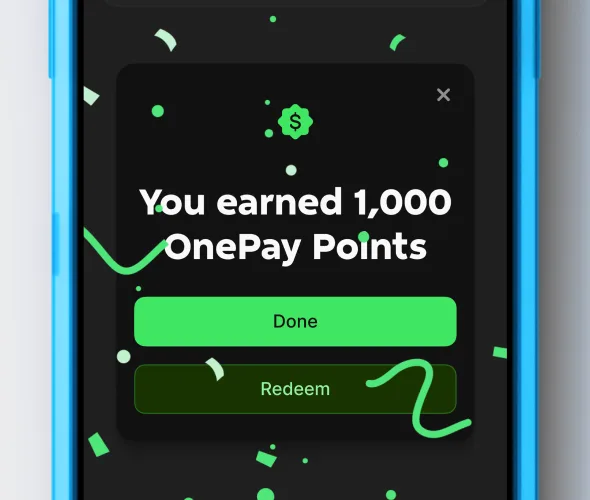
Enjoy your welcome bonus
New customers can earn $10 cash back when you spend $5 or more in-store at Walmart or on Walmart.com.2 Available only to new customers who sign up directly with OnePay Wallet. Cash back is earned as OnePay Points that can be redeemed into a OnePay Cash account or other available options.1
Step 4
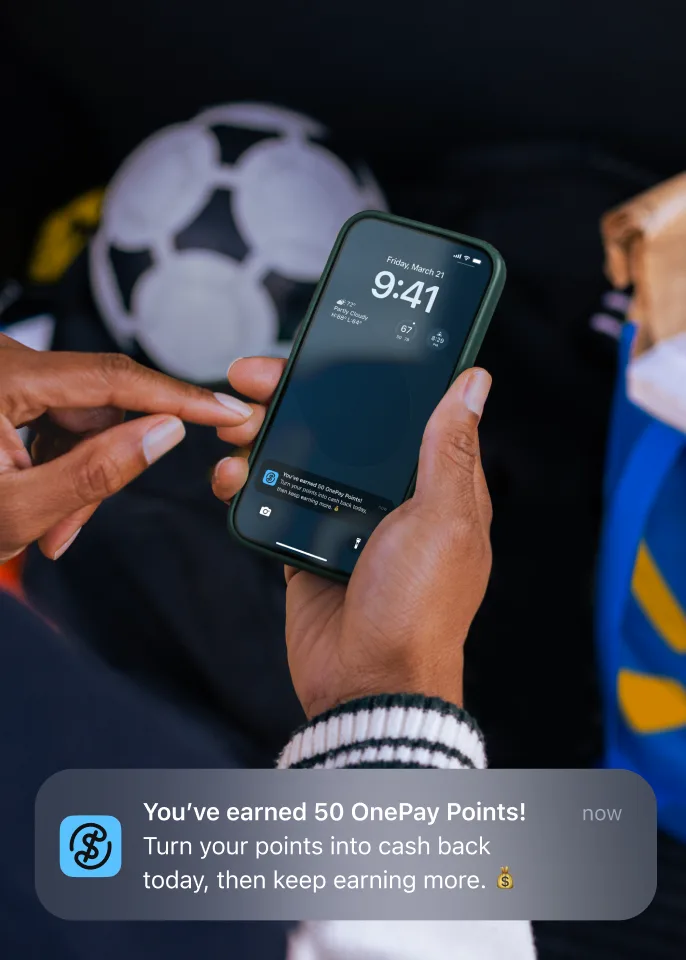
Keep shopping to earn OnePay Points
Earn 1 point per $10 spent when you pay at Walmart with Wallet. OnePay Points can be redeemed into a OnePay Cash account.1 Learn more about OnePay Rewards.
Why choose OnePay Wallet?
OnePay Wallet works at Walmart checkouts and on Walmart.com. So whether you’re grabbing groceries after work or searching for your dream TV from the comfort of your couch, paying with Wallet can help you earn points.
4,500+
Walmart locations where you can pay with Wallet, and on Walmart.com

Join over 2 million customers
who have used Wallet to earn cash back
Frequently asked questions
OnePay Wallet is a digital wallet that offers rewards at Walmart. You can add any debit or credit card to your OnePay Wallet to quickly check out online or make contactless in-store payments at Walmart.
A digital wallet allows you to electronically store payment information you would otherwise carry around with you physically, like a physical credit or debit card. Digital wallets let you use your mobile device to conveniently make purchases.
To get started, download the OnePay app, sign up and then add your debit or credit card(s) to OnePay Wallet in the OnePay app. If you have any OnePay cards, they will automatically be added to your Wallet.
You can use OnePay Wallet online at Walmart.com or in the Walmart app.
Sign up for OnePay Wallet during checkout
Enter a credit or debit card to add to the OnePay Wallet
When you return to Walmart, you will now see OnePay Wallet as your default payment method at checkout
To use OnePay Wallet for contactless payments in Walmart stores or at Walmart fuel stations, tap the QR code on the home screen of your OnePay app or tap "Scan to Pay" on the OnePay Wallet tab
At self-checkout or fuel stations, scan the QR code displayed on the screen
At manned registers, scan the QR code that appears on the payment terminal when the associate finishes scanning your items
Check out with OnePay Wallet when you shop at Walmart and earn 1 point for every $10 spent and/or activate offers in the OnePay app to earn points when you shop
Once you earn a minimum of 25 points, you can redeem your points for cash back into a OnePay Cash account or as a statement credit to a OnePay credit card
Cash back is earned as OnePay Points, which expire and are redeemable according to the OnePay Rewards Terms. You can open a OnePay Cash account or OnePay credit card in the OnePay app or on OnePay.com. Once opened, you can redeem your points by tapping the points badge in the upper corner of the app and following the on screen instructions.
Learn more about how our OnePay Rewards works here.
You can add up to 20 debit or credit cards to use when checking out at Walmart or Walmart.com. Your OnePay cards will automatically be added. Retail-specific (i.e. Walmart) gift cards cannot be added.
Security is built into OnePay Wallet to keep you protected. We use multi-factor authentication and industry-standard encryption to keep your card information secure.
To sign up for your OnePay Wallet, we'll ask for your name, email address, phone number and home address.
Yes! OnePay Wallet was formerly named One Pay.
Discover more
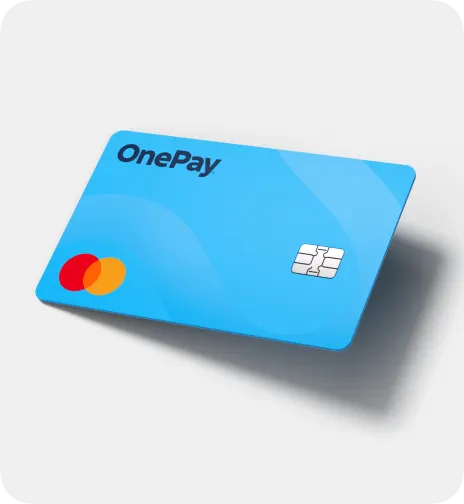

Build credit with every swipe with your Builder Card.3 Plus, cash back, Early Pay4, high-yield Savings, and more.
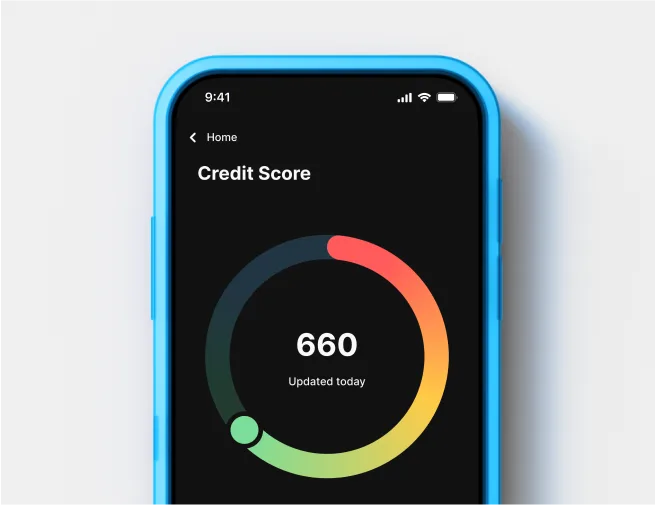

The simple way to stay up-to-date on your credit, for free.